Edge Devices
2 min
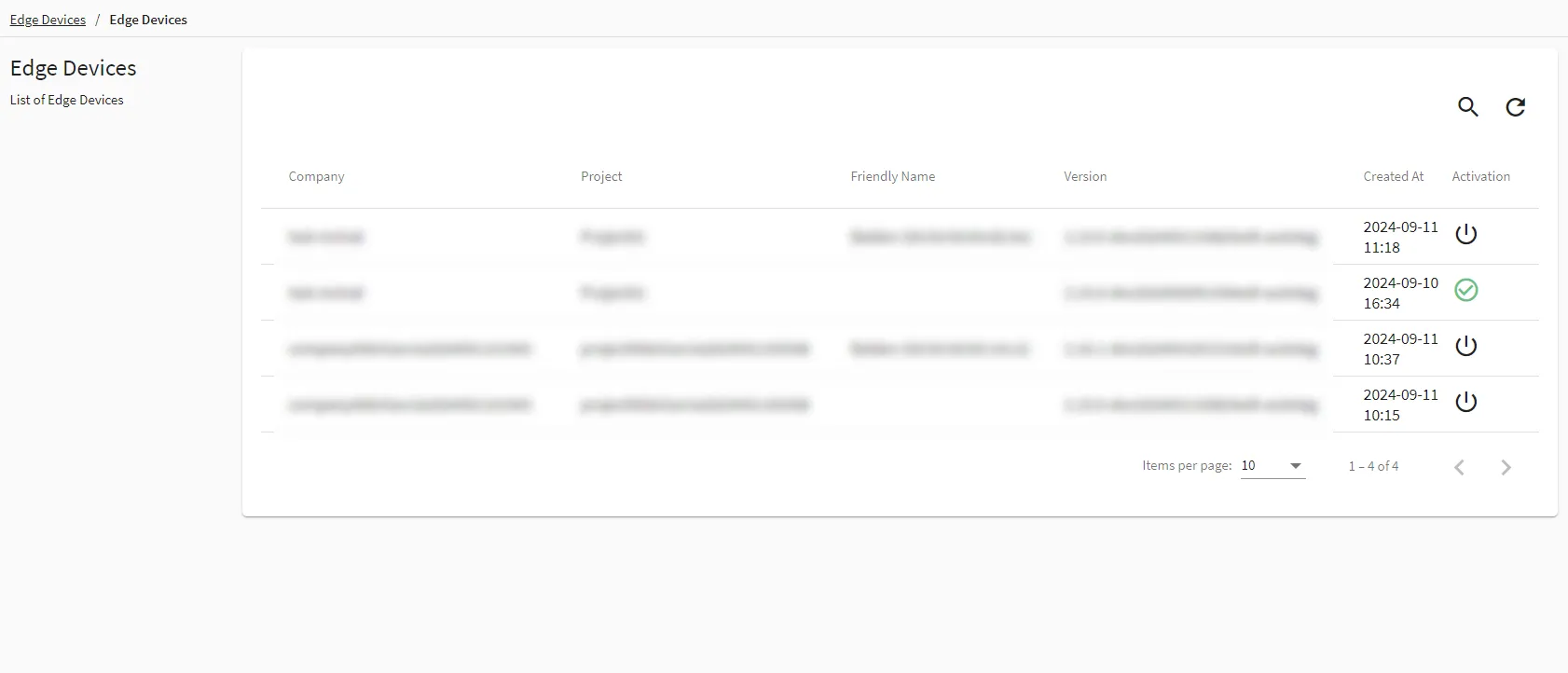
The Edge Devices module provides a comprehensive list of all the edge devices that are activated with BHDM.
Within this module, you will be able to view details such as the name, description, activation status, version number, and the date and time the edge device was created.
Access Edge Devices UI
To access the Edge Devices UI:
- Log in to the BHDM Admin Console at the following URL: https://[BHDM IP address]:8446.
- From the Navigation panel, select Edge Devices. Edge Devices list pane by default appears.